
Lazy Water
Made for someone
I care about.
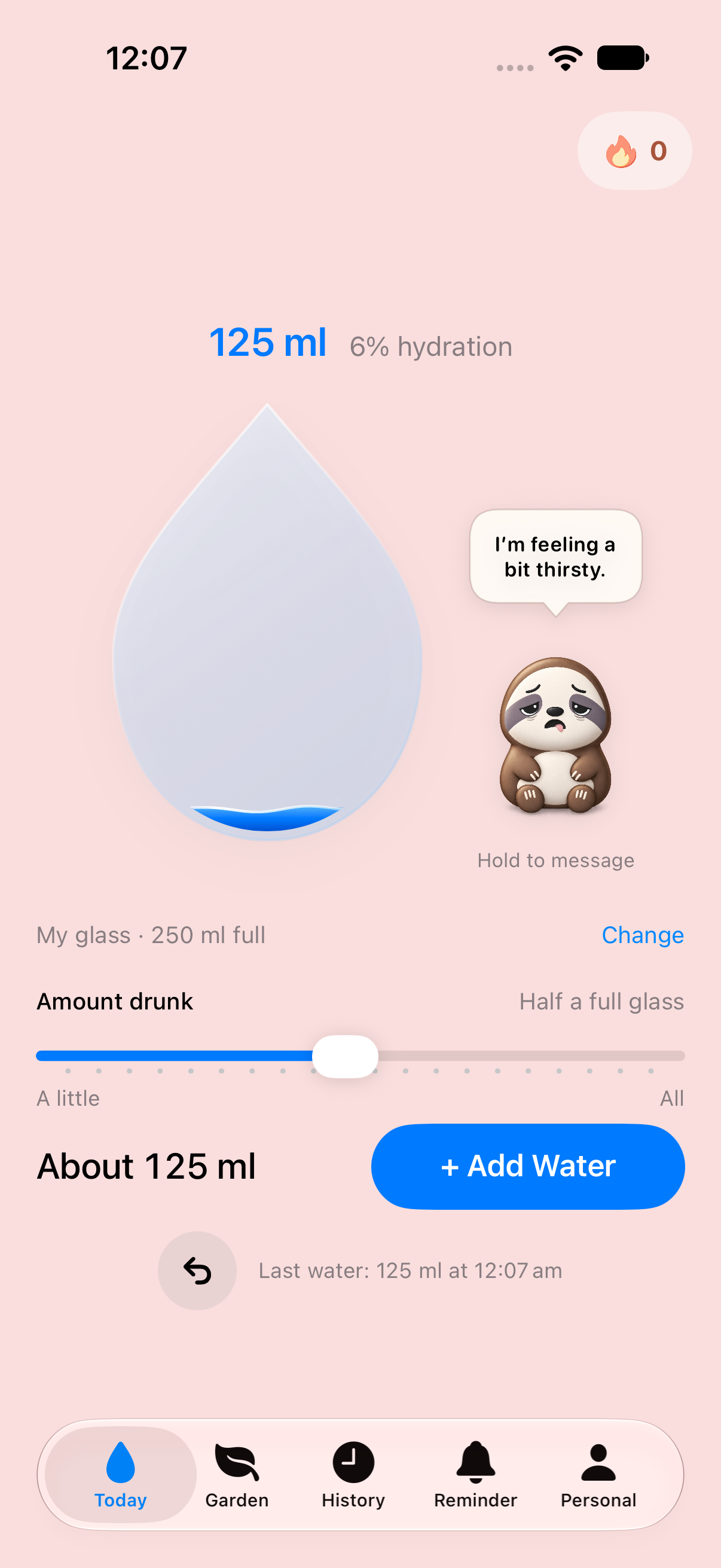
I made Lazy Water for my girlfriend. She often forgets to drink water and ends the day short of her daily goal. I wanted to make remembering, and logging a sip, feel easier.
The design goal is simple: as little friction as possible. Quick interactions, gentle encouragement and reminders she can control, so tracking water doesn’t become another annoyance.
Explore the projectCurrently in beta on TestFlight.
- Platform
- iPhone / iOS
- Project type
- Personal product
- Built with
- Swift & SwiftUI
- Release stage
- TestFlight beta
What this project demonstrates
Turning a small everyday problem into a working product, with attention to the experience and the systems behind it.
Product thinking
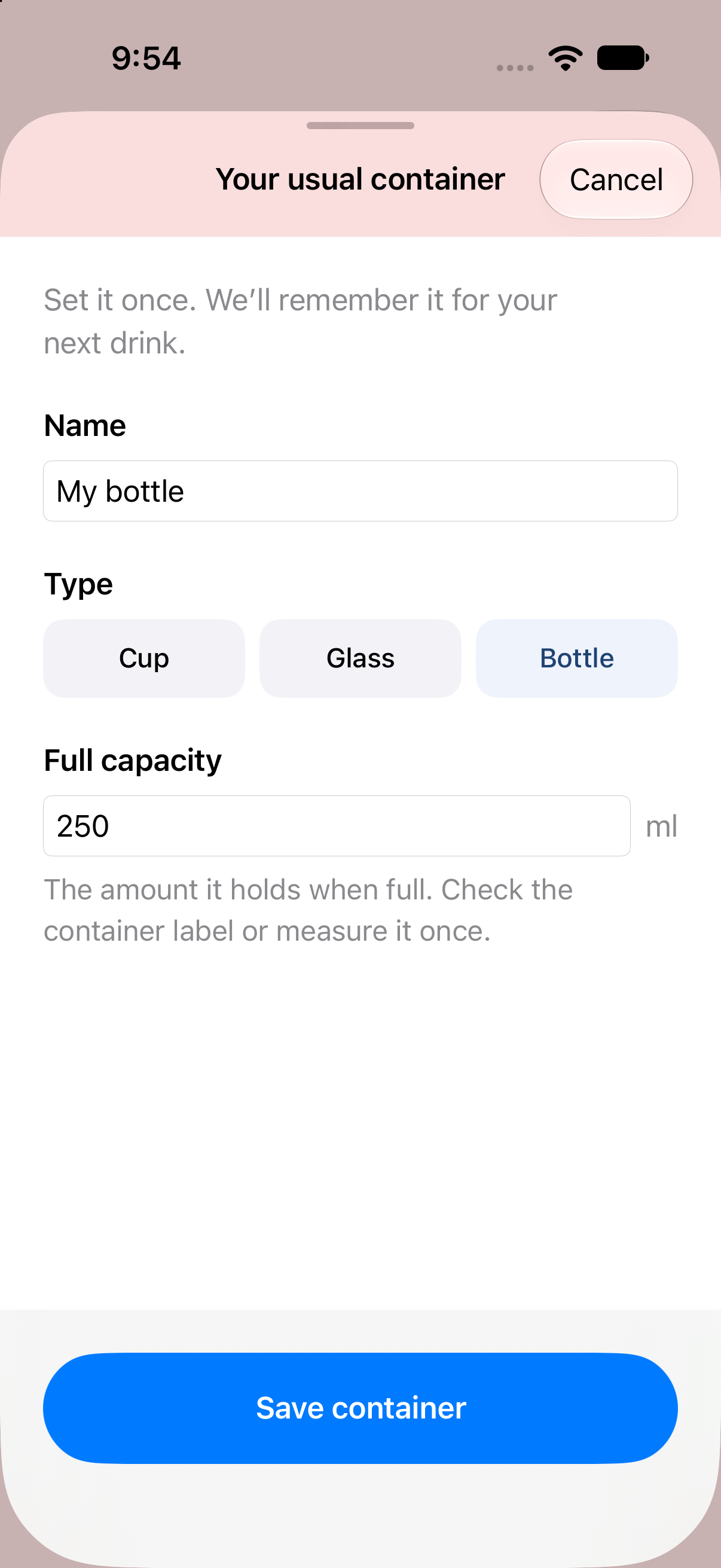
Starting with a real person’s routine and reducing the effort of a repeated task: remember a usual glass, log a sip quickly and keep reminders under the user’s control.
Native iOS development
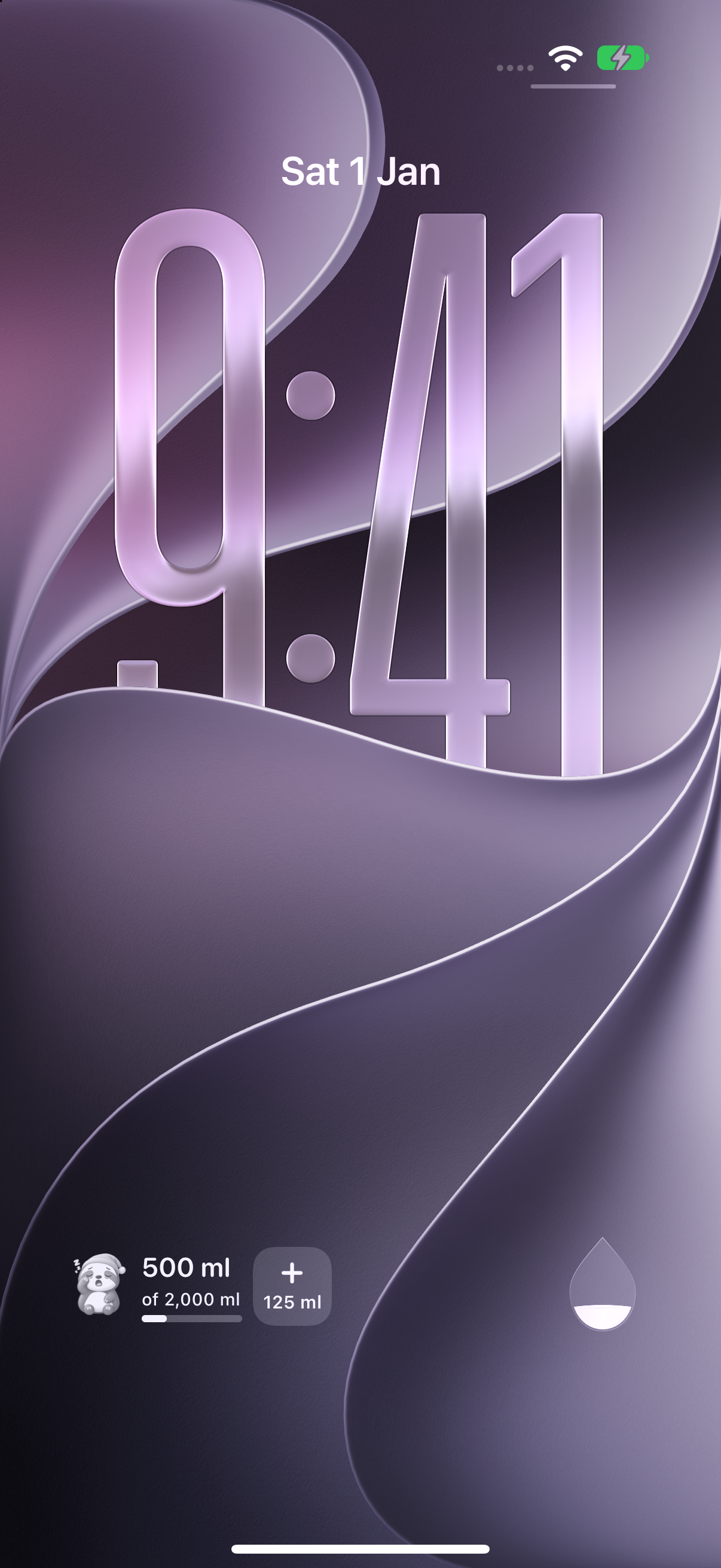
Building SwiftUI screens, SwiftData persistence, WidgetKit Home Screen and Lock Screen widgets, and an App Intent for logging water outside the app.
Application reliability
Separating UI, domain rules and services; handling save failures; and providing isolated test configurations for key user flows.
A small detail in motion
A little movement with every sip.
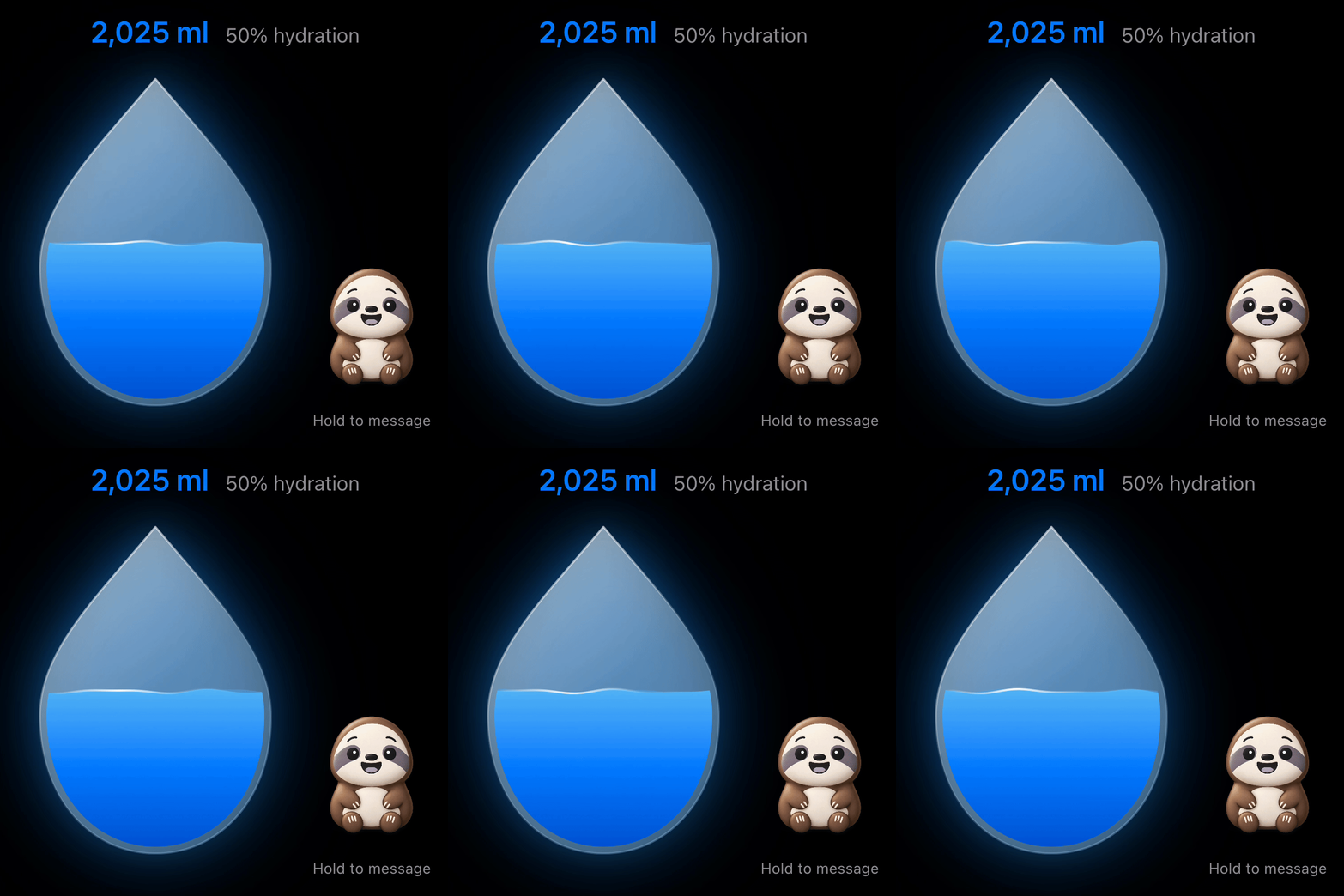
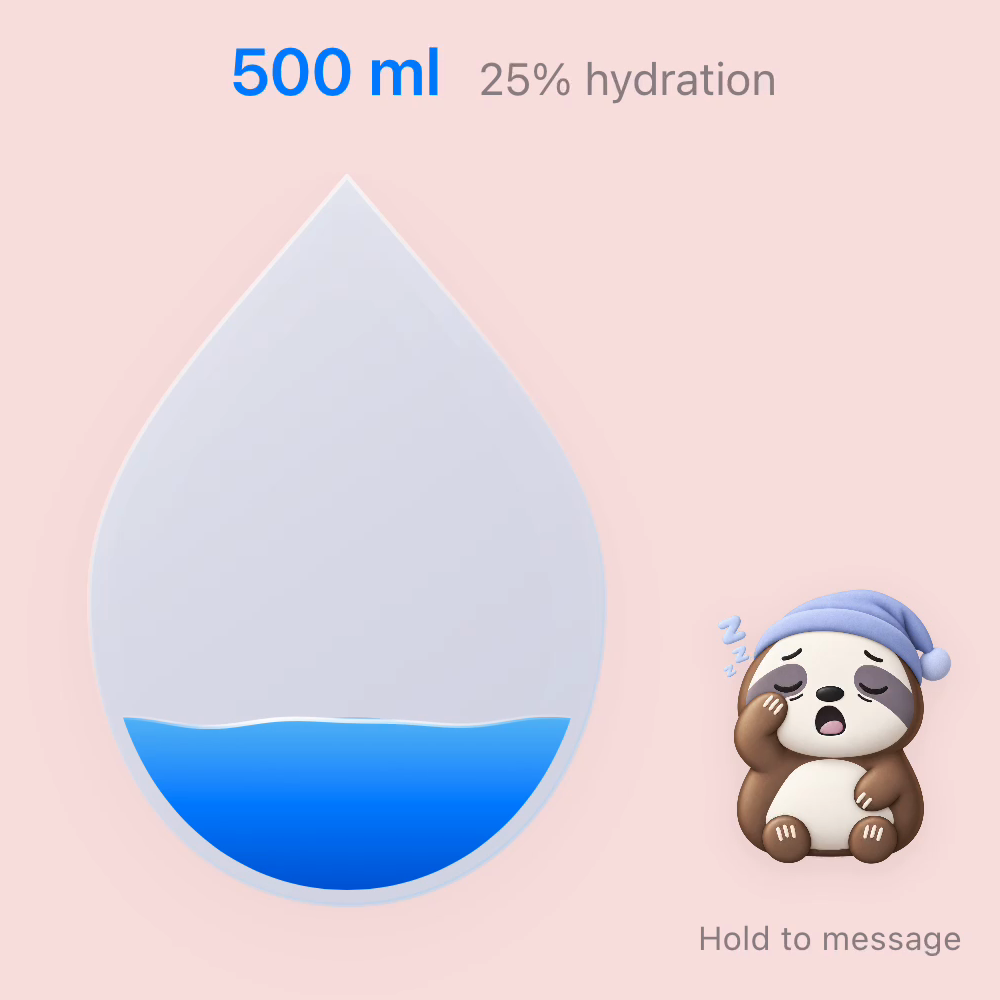
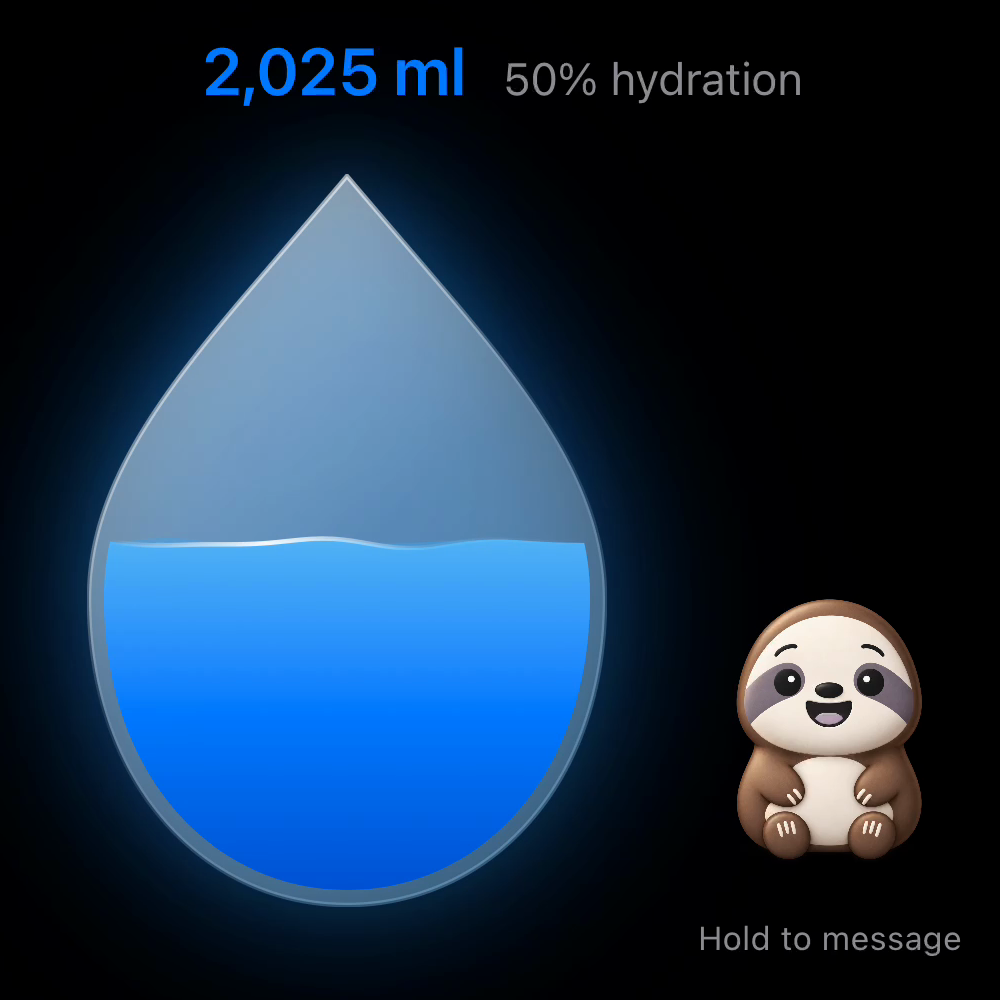
The water inside the droplet gently moves as the daily total builds. Switch between day and night to see the app’s real wave animation, alongside its sloth companion.
Six-second simulator capture with sample water entries.
Download the day-mode GIF Download the night-mode GIF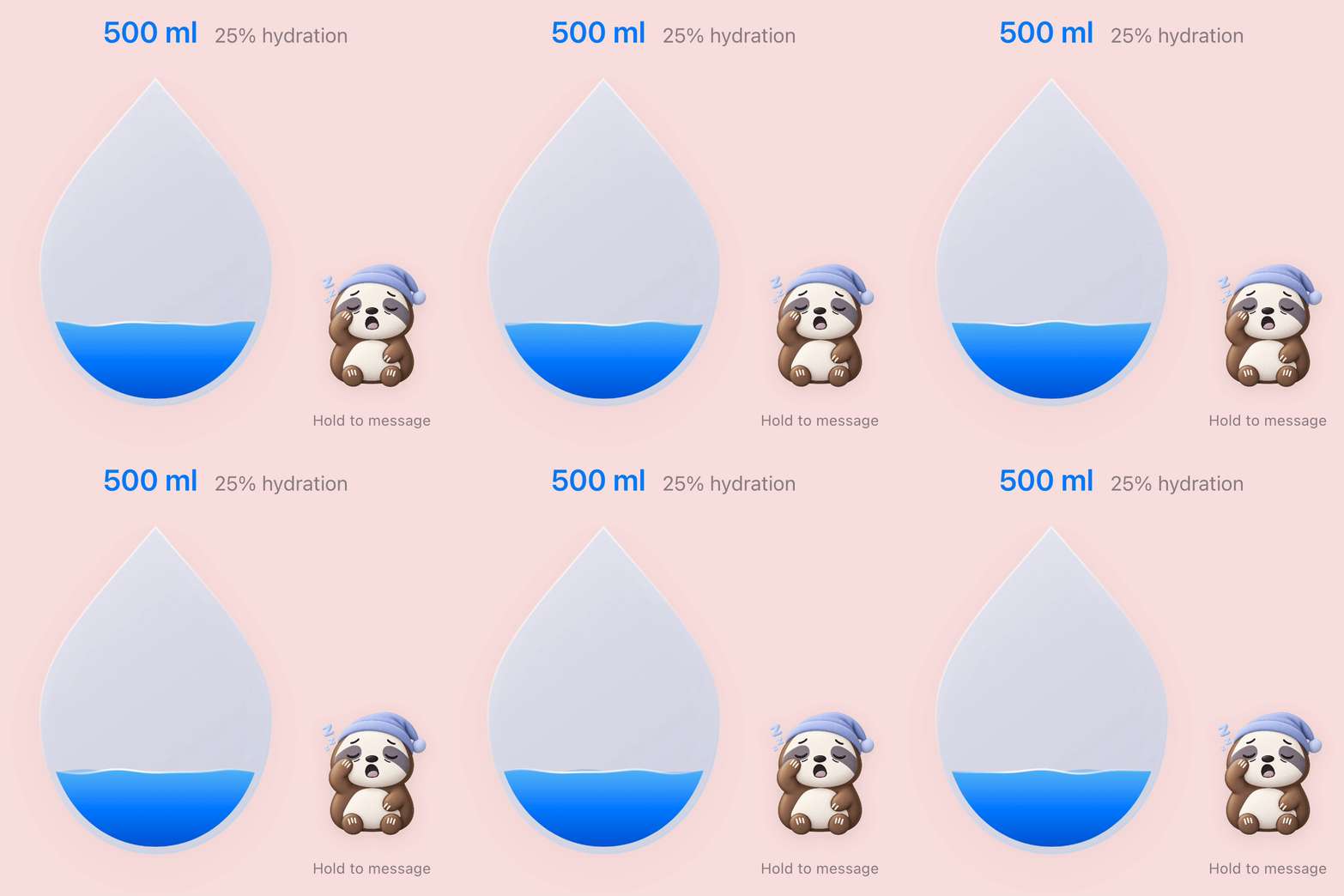
Project case study
A small app with a personal reason.
Why I made it
My girlfriend often forgets to drink water and falls short of her daily intake goal. That gave me a specific person and a real everyday problem to design for. I wanted to offer a little encouragement without adding more work to her day.
My approach
I focused on keeping the interaction short. Save a usual glass or bottle once, choose how much was drunk and add it. A visible daily total and a sloth companion make progress easy to recognise. Flexible reminders let the user decide when a nudge is welcome.
Connecting the experience
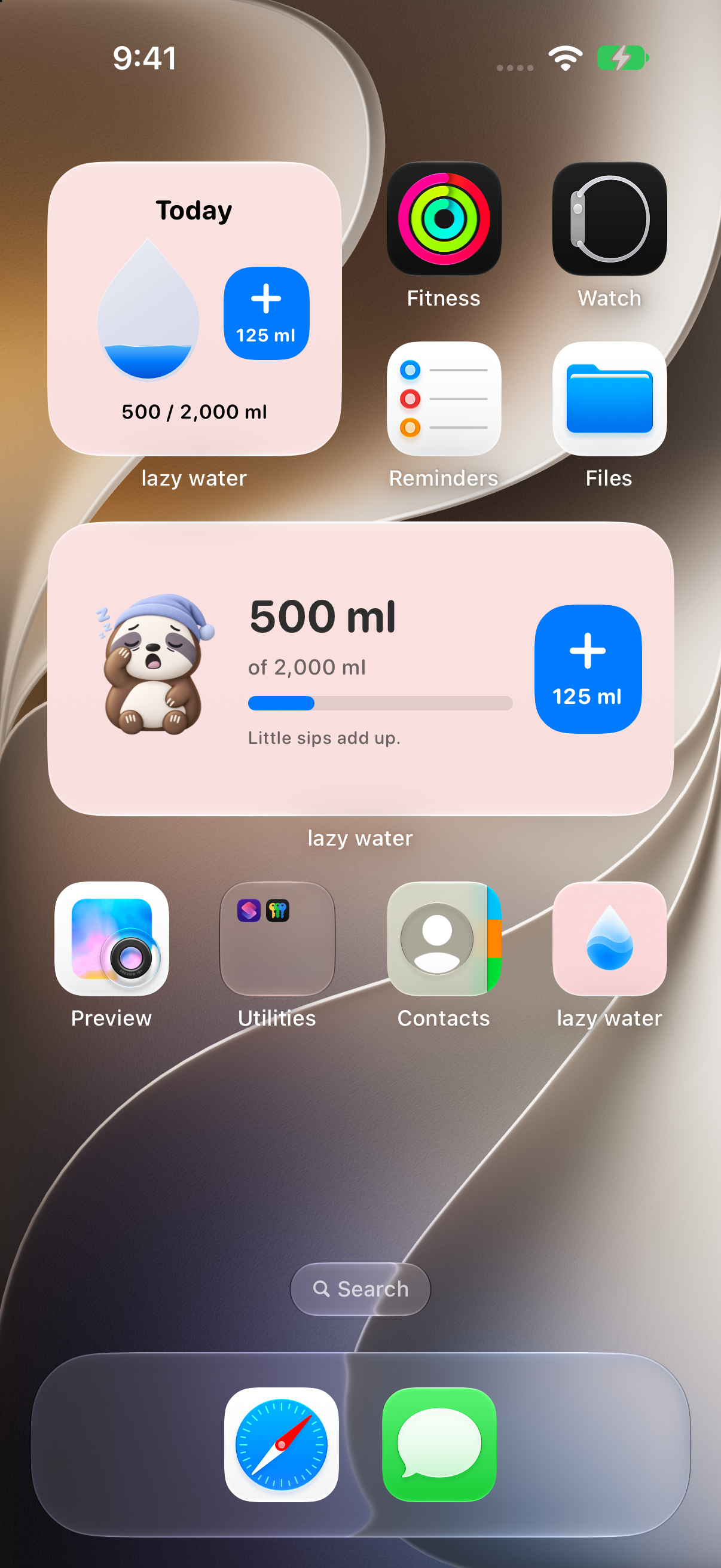
Home Screen and Lock Screen widgets bring progress and Quick Sip logging closer to the user, reducing the need to open the app. Shared local storage keeps widget entries connected to the same daily total. Reminder scheduling responds to logging and goal progress.
Optional social features
Friends can send each other predefined encouragements and choose when they appear: on the first sip of the day or at selected hydration milestones. A note appears through the recipient’s sloth companion. I use Sign in with Apple for a straightforward login without a separate app password. Friend connections use CloudKit, while daily progress sharing remains optional.
Turn daily progress into something to keep
Keep your streak. Watch your flower bloom.
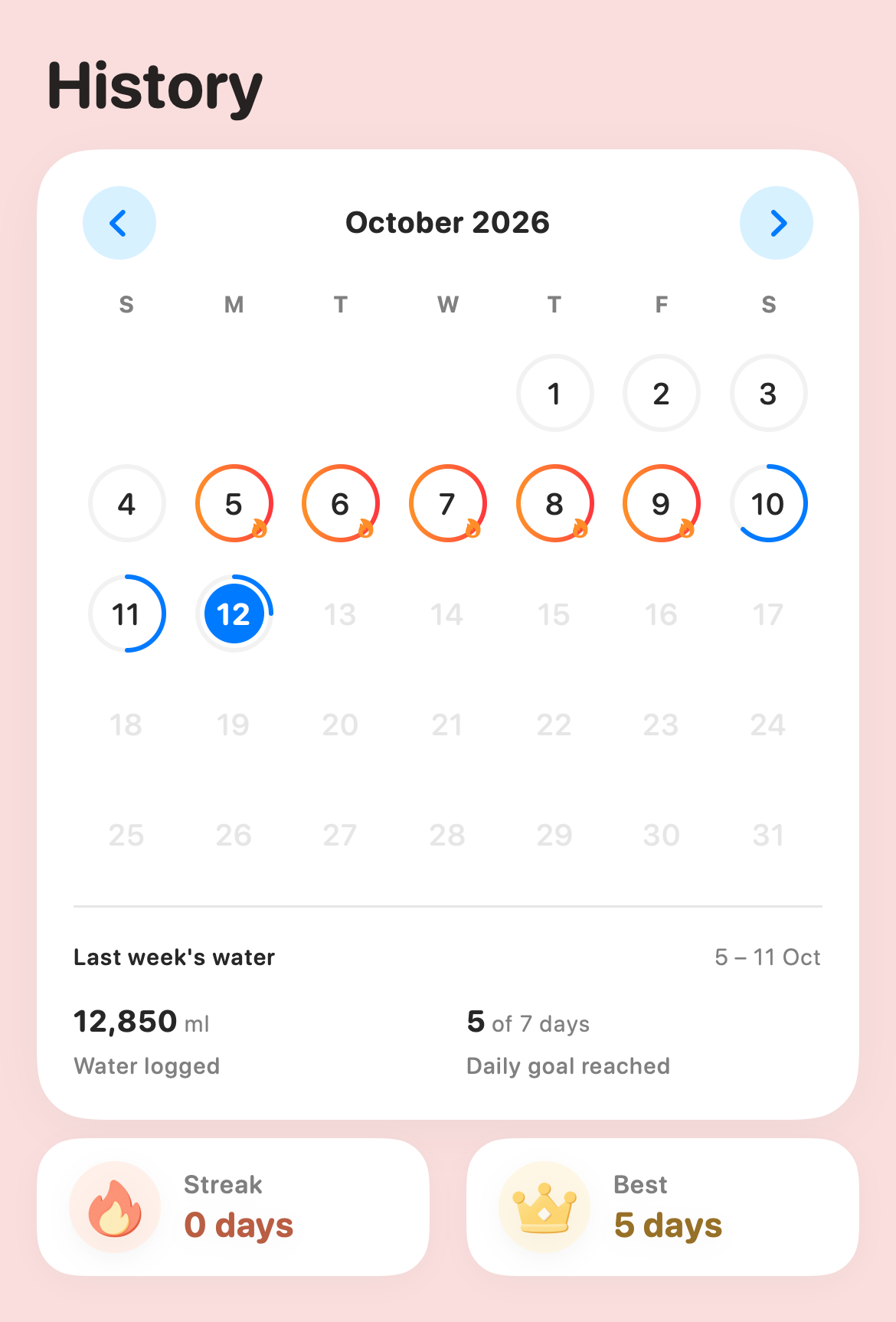
The calendar makes daily progress visible, while the garden gives consistent goal days a growing reward: a flower to collect.
See your progress in the calendar
The History calendar shows daily water progress and highlights goal-reaching days. Current and best streaks help users look back on their routine.
Grow from seed to bloom
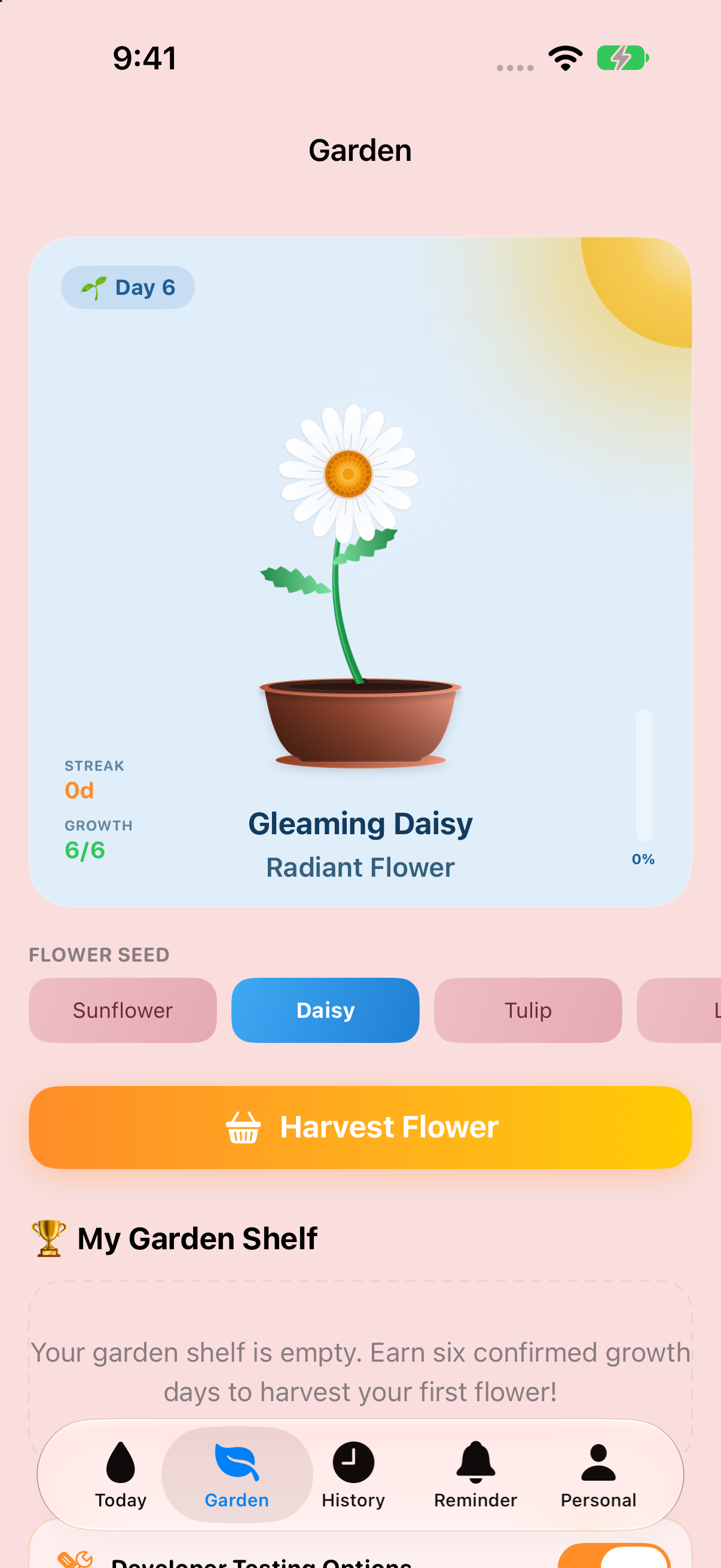
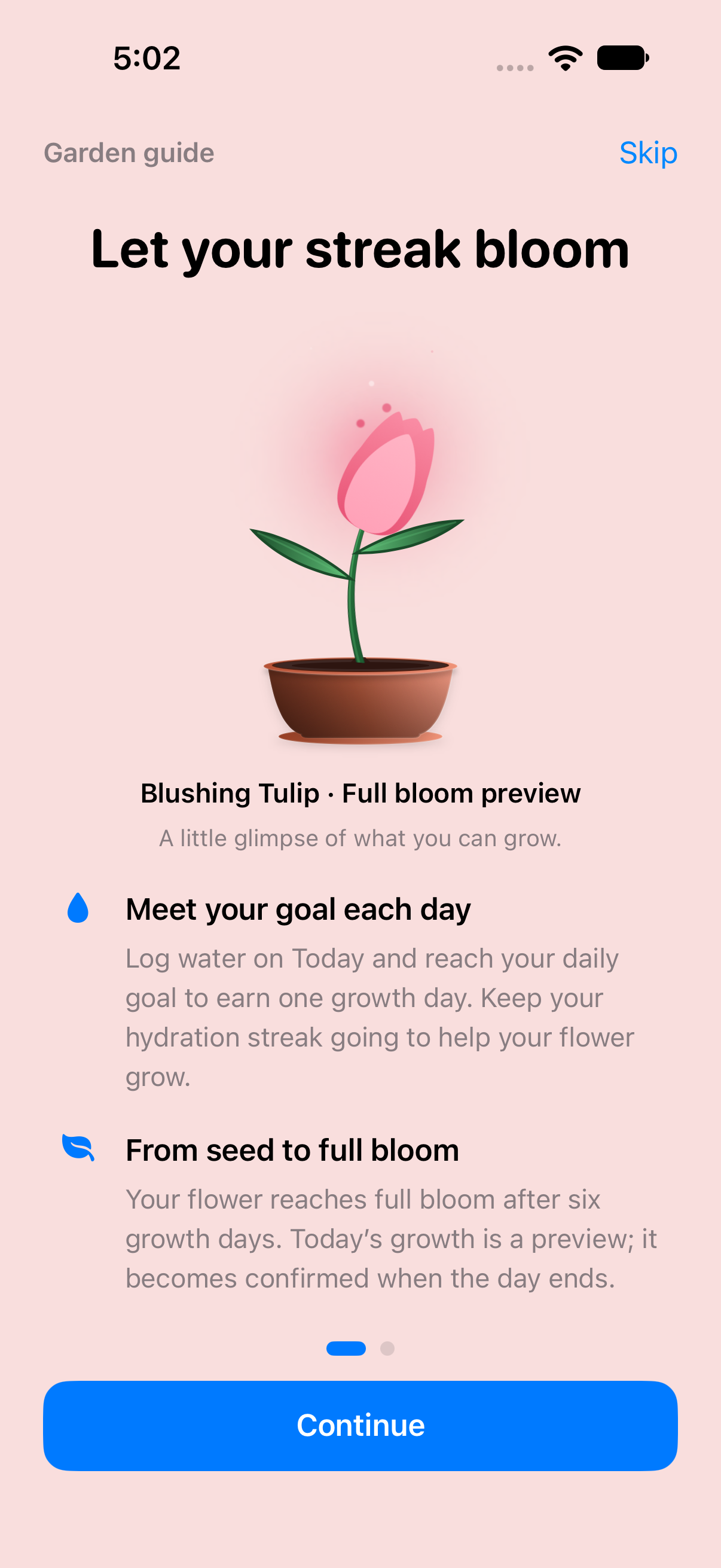
Reaching the daily water goal earns a growth day. Today’s growth is a preview until the day ends; after six confirmed growth days, the flower reaches full bloom.
Collect the flowers you grow
Once full bloom is confirmed, tap Harvest Flower to keep it on the garden shelf, then start another flower from the unlocked seeds.
Sunflower, Daisy, Tulip and Lily form the current seed collection. More flowers are planned for future updates.
Supplied development captures: sample calendar history and an in-app full-bloom preview. The preview illustrates the reward; viewing it does not earn growth or collect a flower.
A garden for day and night
Golden Sunflower, in full bloom.
The Garden pairs a sunlit blue panel in day mode with a starry navy panel at night. Both show the same fully grown flower, ready to harvest.
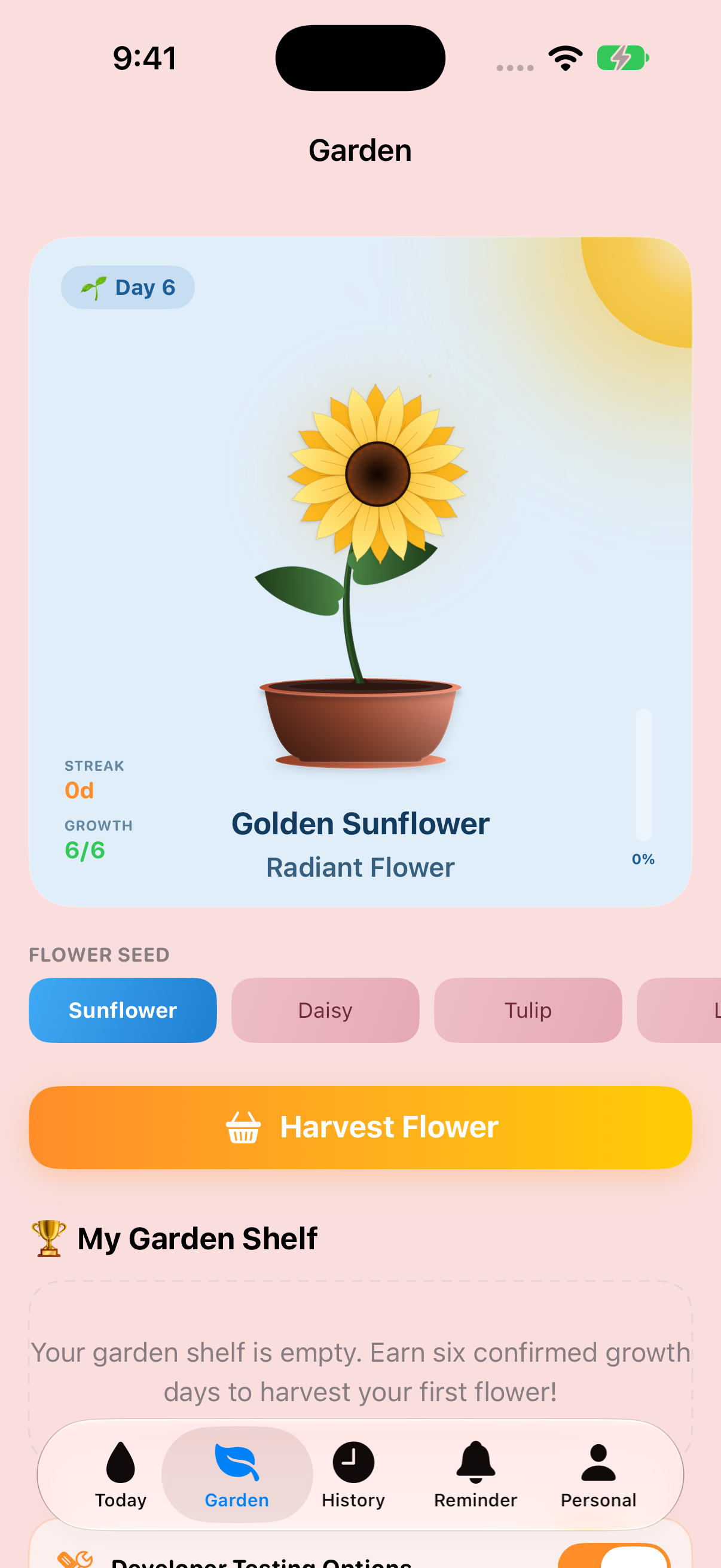
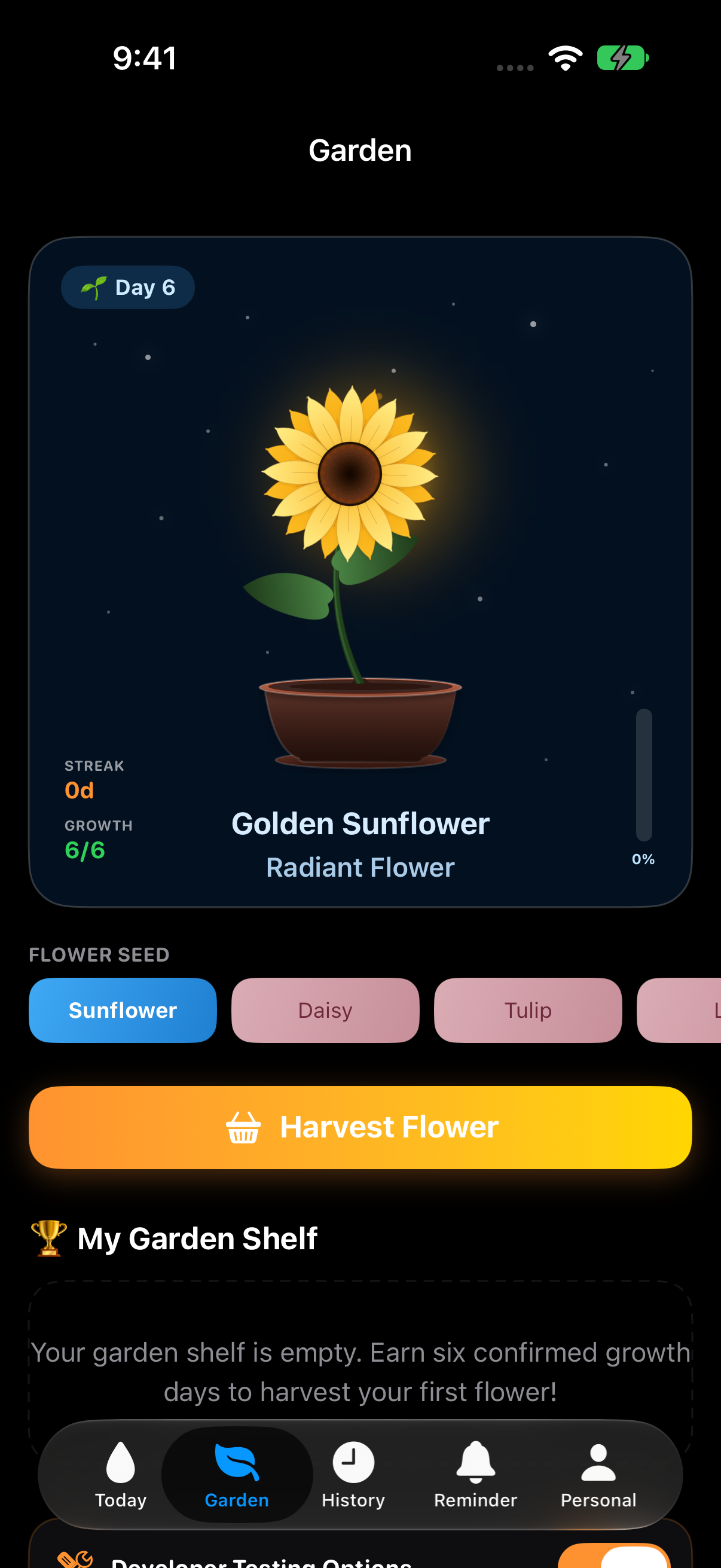
Simulator development captures with a sample full-bloom state, used to demonstrate the artwork and appearances.
Encouragement from a friend
A small way to cheer someone on.
Alongside the personal reminders, friends can send a little encouragement for the next sip. It adds a human touch to the routine without asking the recipient to stop and type a reply.
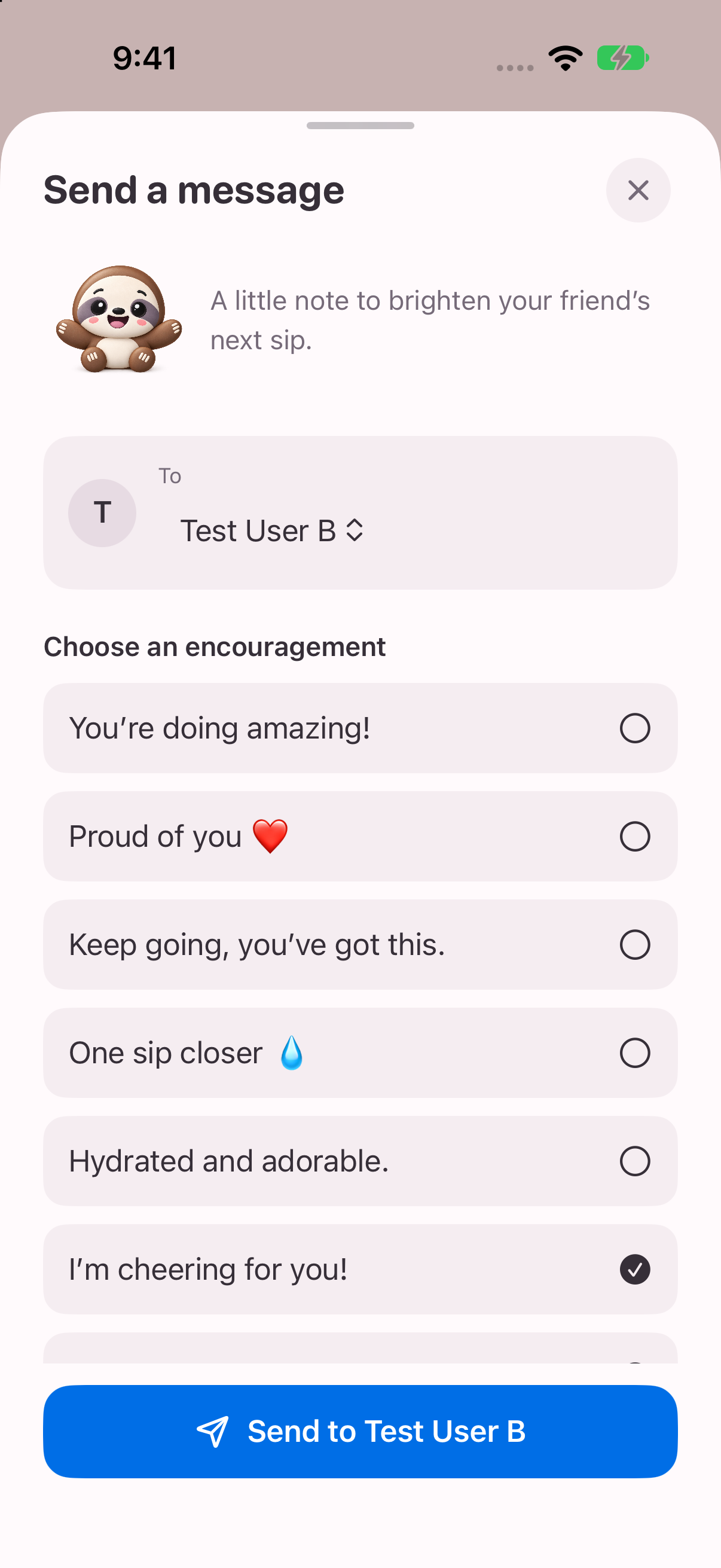
Choose a friend and a note
After connecting with a friend, choose a predefined message such as “I’m cheering for you!” or “One sip closer”. The beta keeps the choice quick with a short list of encouragements.
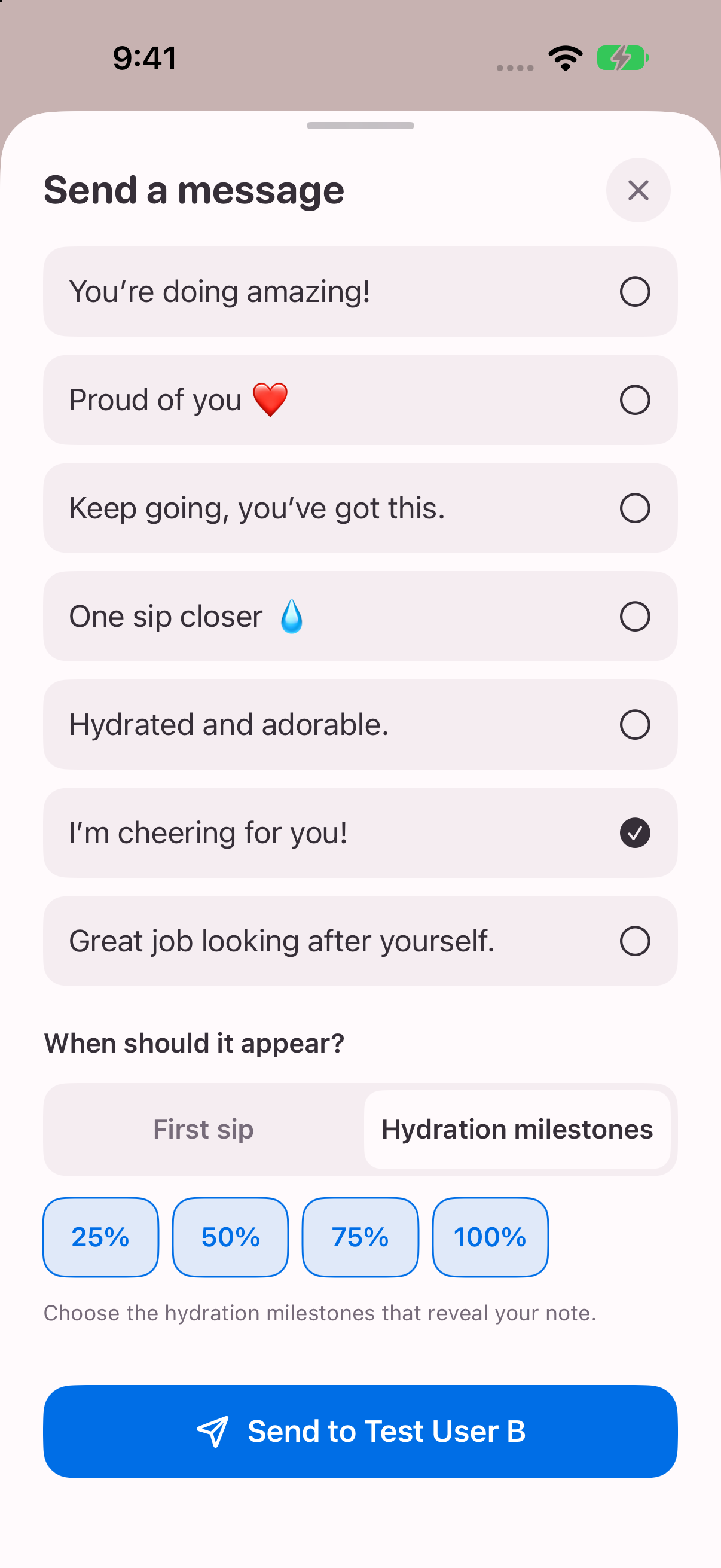
Choose the moment
Set the note to appear with the day’s first sip, or select hydration milestones at 25%, 50%, 75% or 100%. The recipient sees the encouragement through their sloth companion as they log water.
What I built
A native message picker, friend selection and delivery timing, backed by connection and message services. This brings product design, state management and account-based features into the same small interaction.
Actual day-mode simulator captures using local sample friends. These screens demonstrate the interface; they do not verify live delivery between Apple accounts.
Designed around everyday use
Gentle colours. Fewer steps.
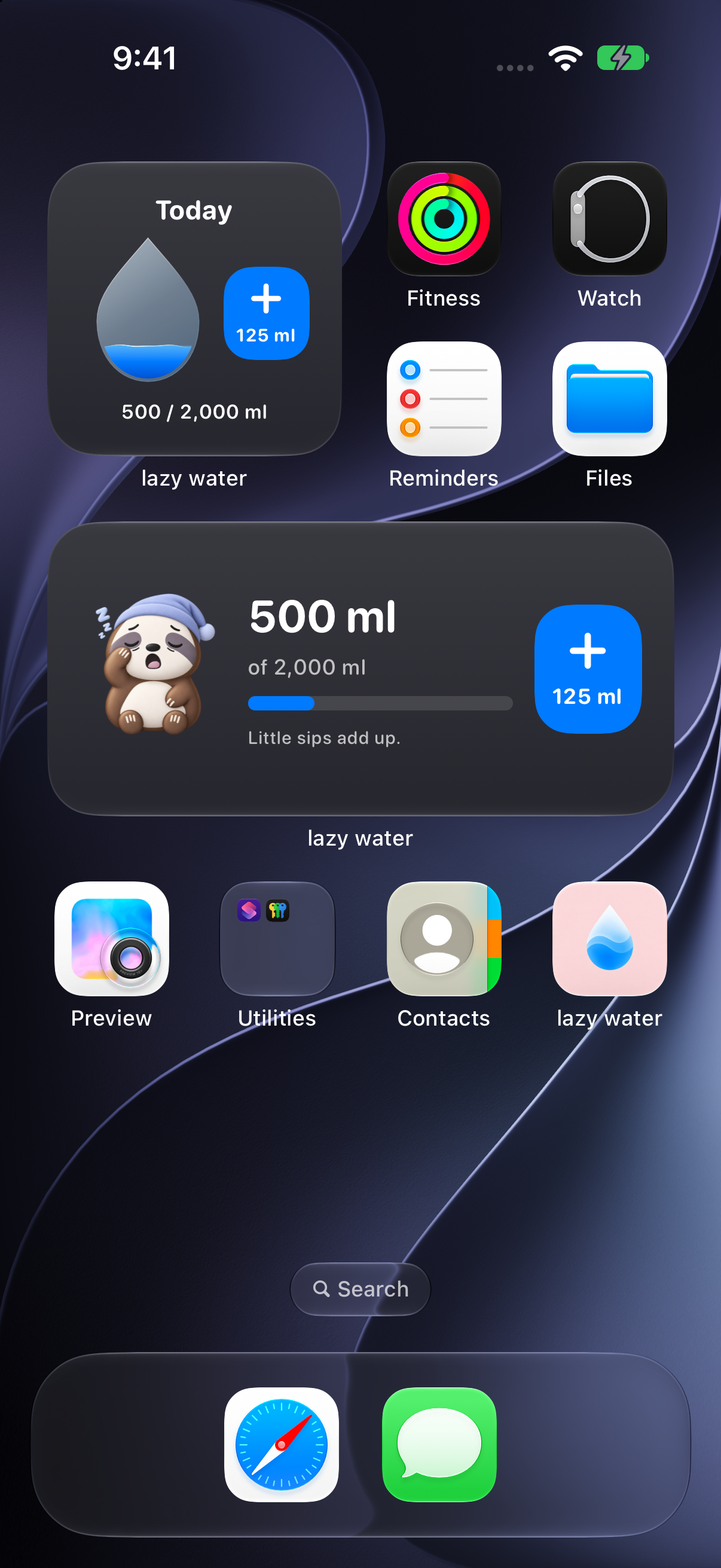
Day mode leads with blush pink, bright water blue and soft surfaces. Night mode uses a charcoal palette. Both keep progress and the next action easy to find.
Full-screen iPhone simulator captures with sample data. Widgets are shown in their native iOS Home Screen and Lock Screen layouts.
The work behind the simple interaction
Consistent data
A shared hydration store coordinates saved entries, daily metrics, garden state and reminder updates. Date-aware rules handle daily totals and streaks.
Thoughtful reminders
Configurable waking hours, capped follow-ups, goal-aware pausing, and Log Water or Snooze actions support different daily routines.
Testable behaviour
Unit and UI test suites cover areas including hydration metrics, notifications, widgets and social flows. Test fixtures isolate local runs from live accounts.
Smooth sign-in with privacy in mind
I integrated Sign in with Apple to keep login simple without asking users to create another password. Apple handles authentication, and the app stores the Apple user identifier in the device’s Keychain.
Core water history stays on the device. Friend progress sharing starts off and is optional; when enabled, it shares the daily percentage with accepted friends, rather than exact water amounts or the daily target.
- SwiftUI
- SwiftData
- WidgetKit
- App Intents
- UserNotifications
- CloudKit
- Sign in with Apple
- XCTest
Built. In beta. Still learning.
The app has reached TestFlight distribution. This portfolio presents the implemented product and its technical scope; usability and habit-building benefits remain to be evaluated.
Next steps
- Use beta feedback to prioritise improvements.
- Continue real-device checks for reminders, widgets and account flows.
- Evaluate whether the experience supports a consistent routine.